
Family Sharing
Bring families into the case, at no cost to them
Invite every family you serve into their child's case in Highlighter. They see the documents and timeline, add what the school sends, and prepare for meetings on their own. Your notes and hours stay private.
30 days free. Card required to start. Cancel before the trial ends and you won't be charged.
How it works
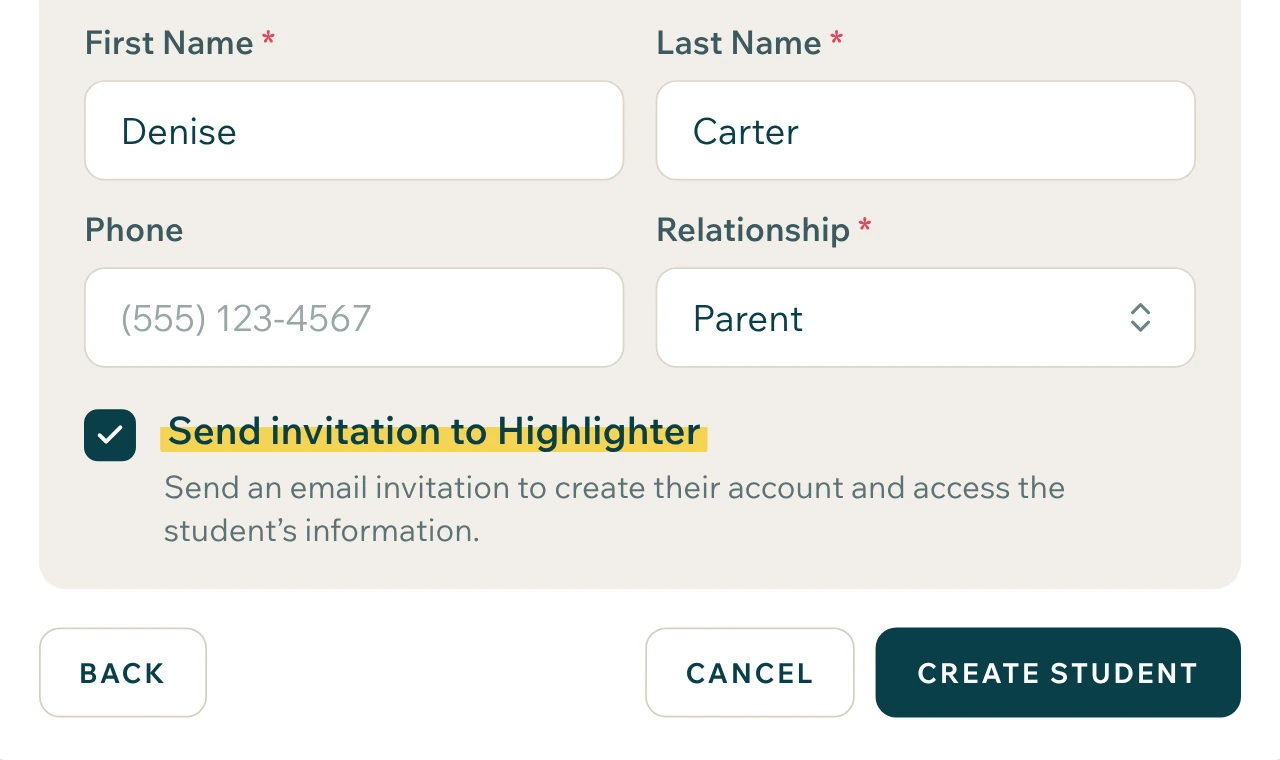
Invite the family.
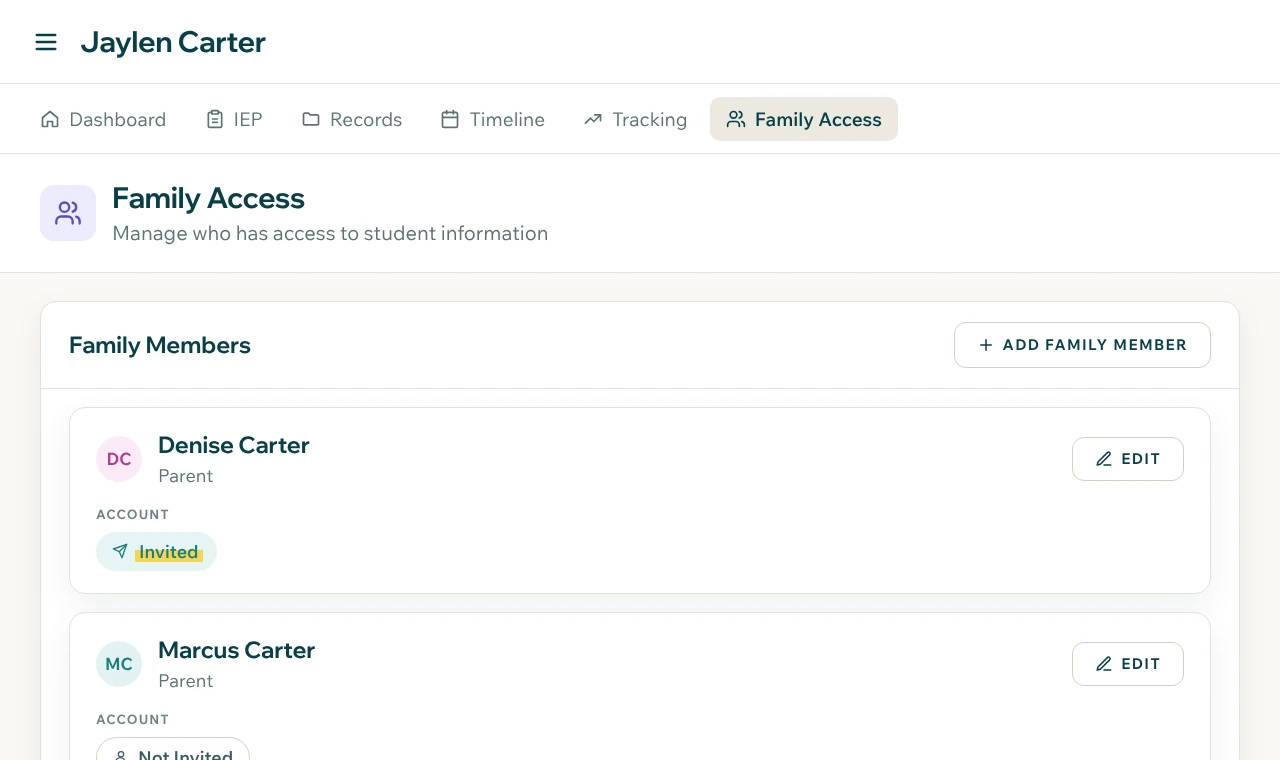
Send an invite from the student's profile. The family creates an account through your practice and never pays.
They add what they have.
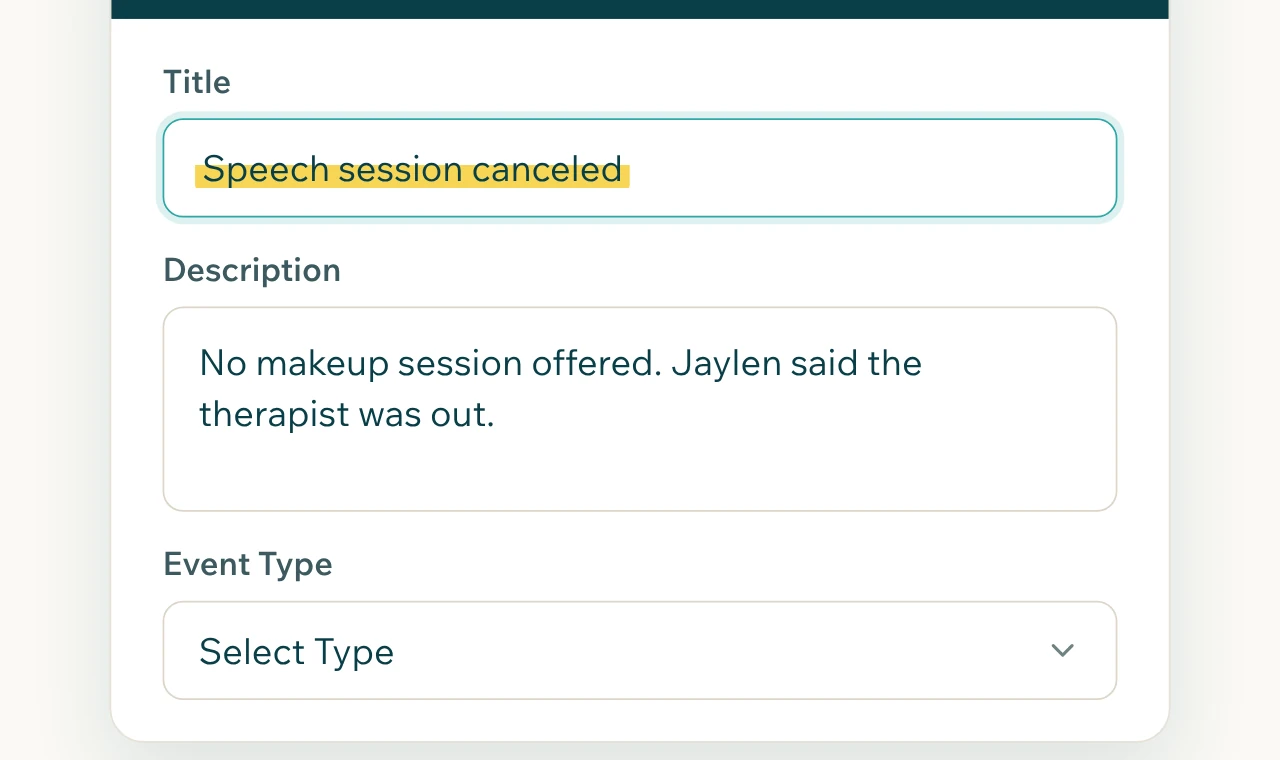
Families upload documents, forward school emails, and add events and observations to the timeline. You see it as soon as it lands.
They prepare between sessions.
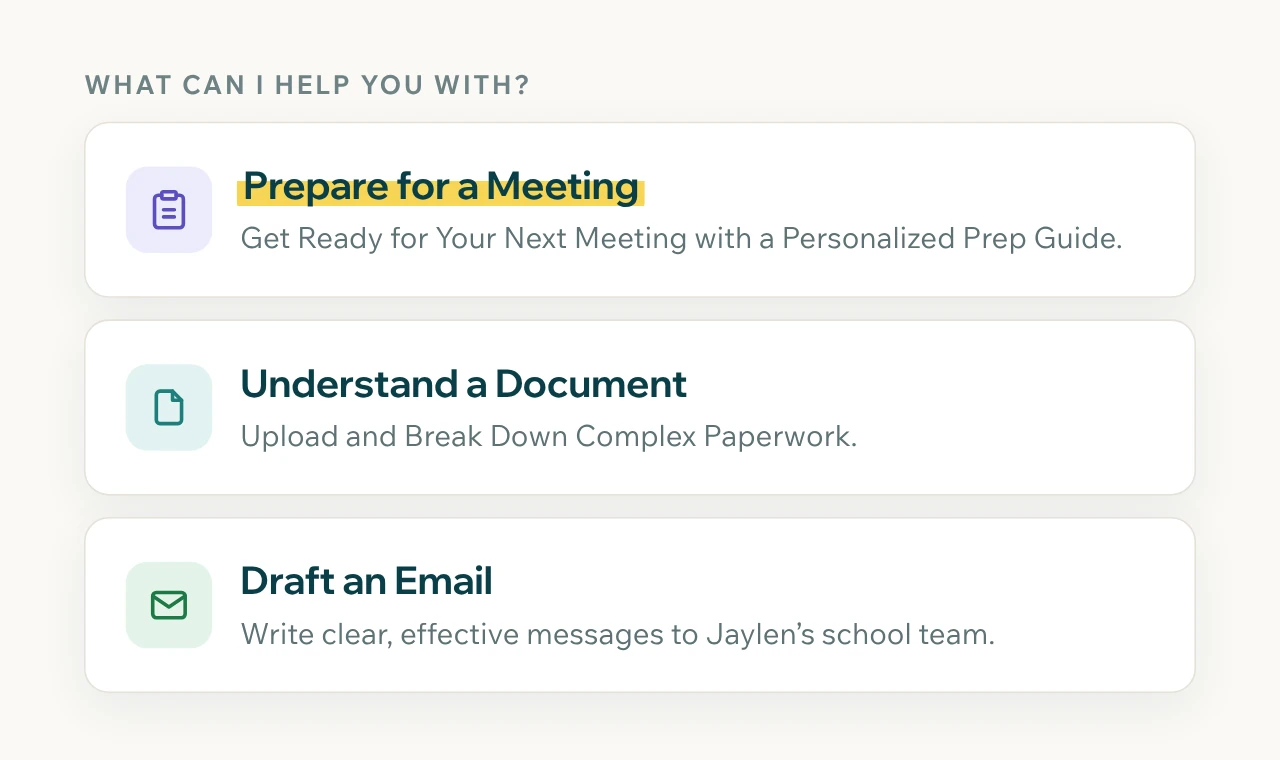
Families can analyze documents, prepare for meetings, and draft emails to the school on their own, from the same case file you work from.
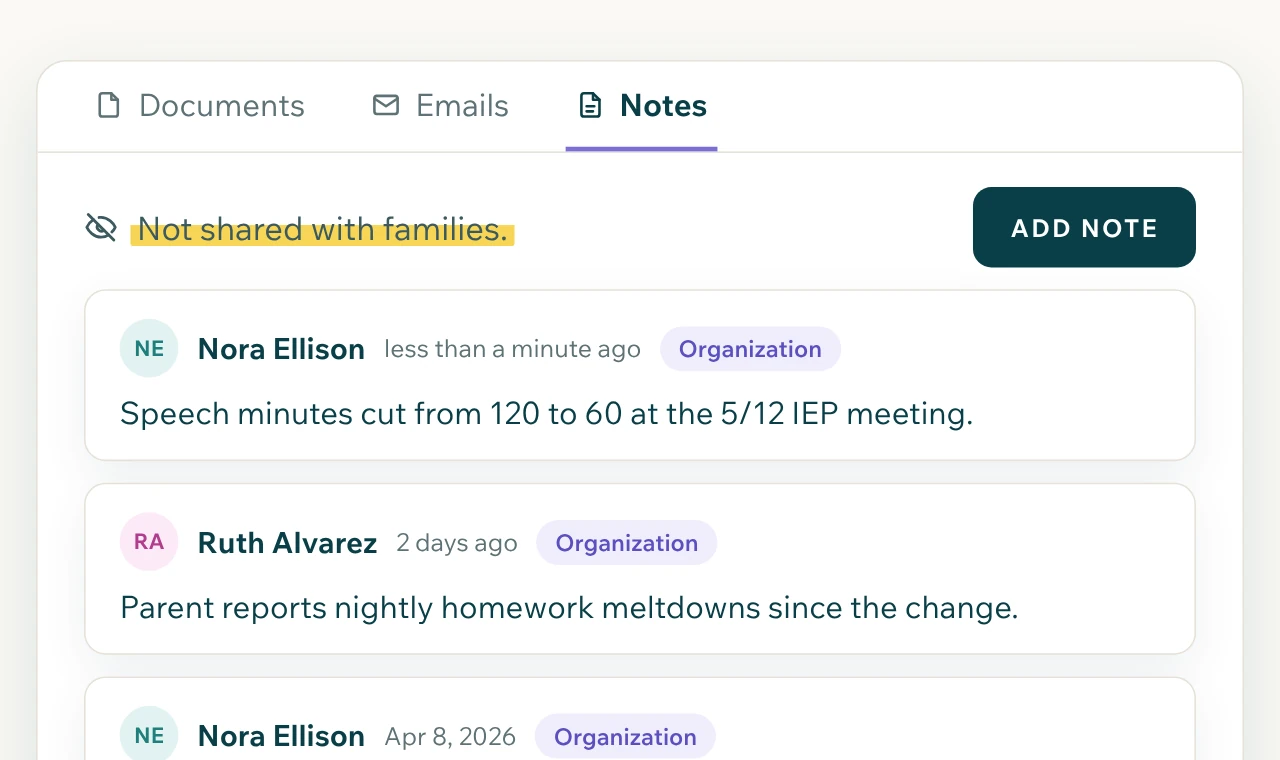
You keep your side private.
Case notes, time entries, and other practice tools are visible only to you and your team.
Fewer calls, better-prepared families
Families want to know what's happening with their child's case, and they often have the newest document before you do. When they can see the timeline and add to it, they call less, send fewer "did you get this" emails, and arrive at meetings already knowing the plan. That saves you time and builds the trust that keeps families with your practice.
Unlimited families on every advocate seat
Families never pay
Families see the whole case, not your notes or hours
Families can upload, forward, and prepare on their own
What each side sees
| What | Family | Advocate |
|---|---|---|
| Documents and timeline | Yes | Yes |
| Upload documents and forward emails | Yes | Yes |
| Add events and observations | Yes | Yes |
| Meeting prep, document analysis, email drafting | Yes | Yes |
| Case notes | No | Yes |
| Time tracking and reports | No | Yes |
Frequently asked questions
Do families need to pay?
No. Families you invite get access through your account at no cost.
Can families see my notes?
No. Families see their child's documents, timeline, and the family tools. Case notes and time stay with your practice.
What happens when a case ends?
The family can keep their access by moving to the family plan, $5 per month.
Give every family a window into their child's case
30 days free. Card required to start. Cancel before the trial ends and you won't be charged.