
Case Management
Every student's case, whole and in one place
Documents, a timeline of events and deadlines, case notes, and hours for every student you serve. Switch between cases without losing the thread.
30 days free. Card required to start. Cancel before the trial ends and you won't be charged.
How it works
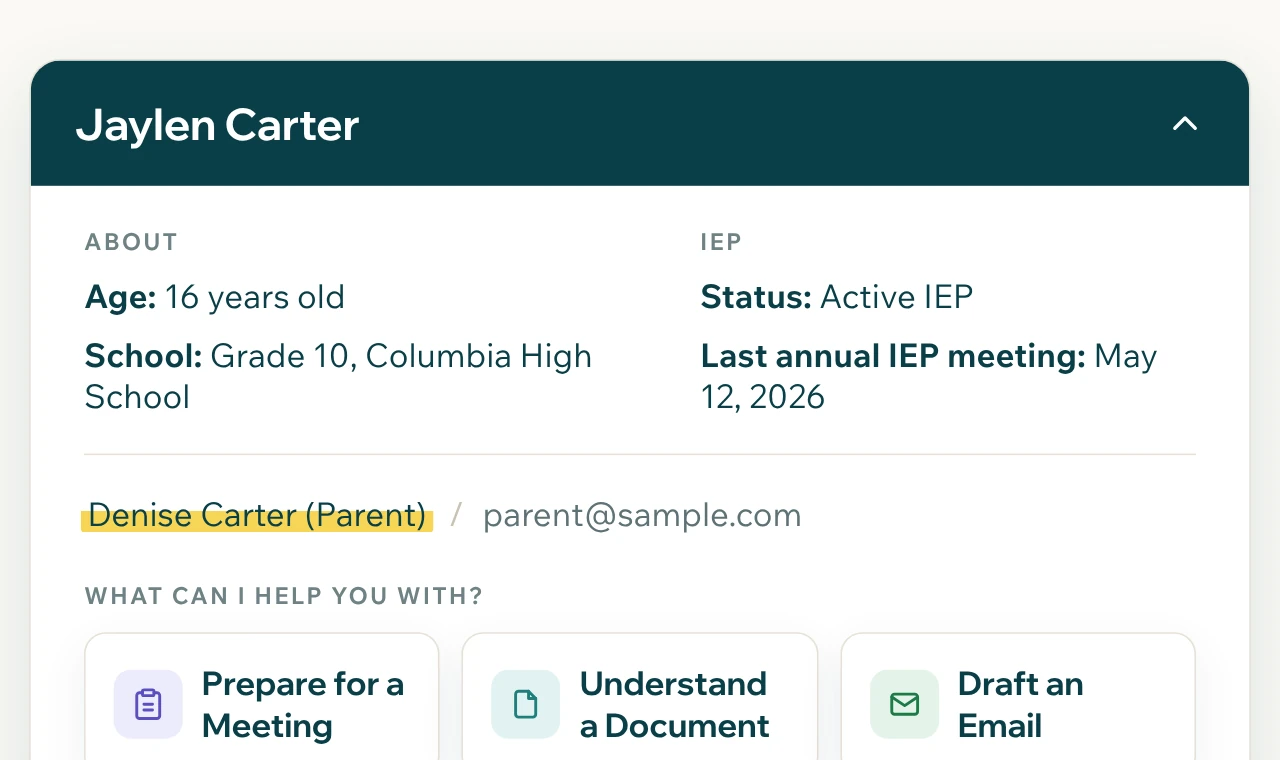
One profile per student.
Snapshot, IEP at a Glance, documents, timeline, and notes, with the family's contact details in one place.
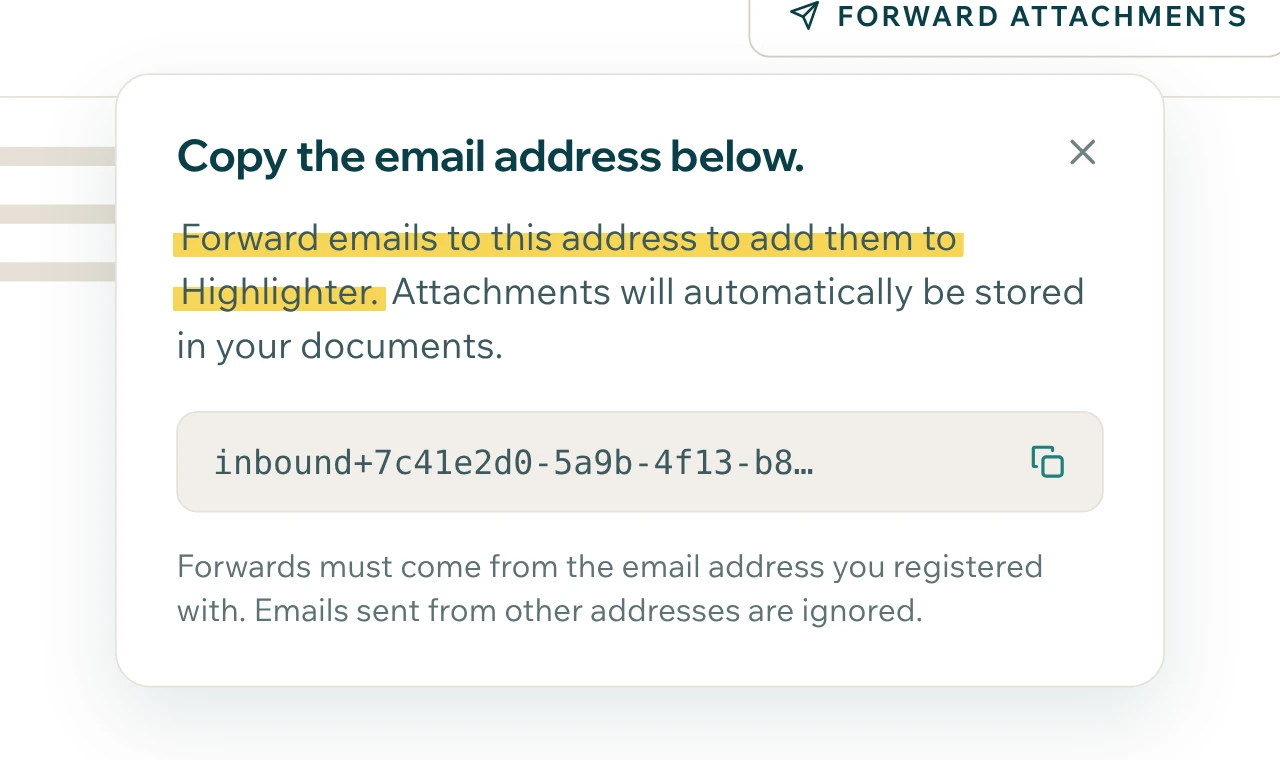
Forward it in.
Every student has a Highlighter email address. Forward the school's email and its attachments are filed on the timeline.
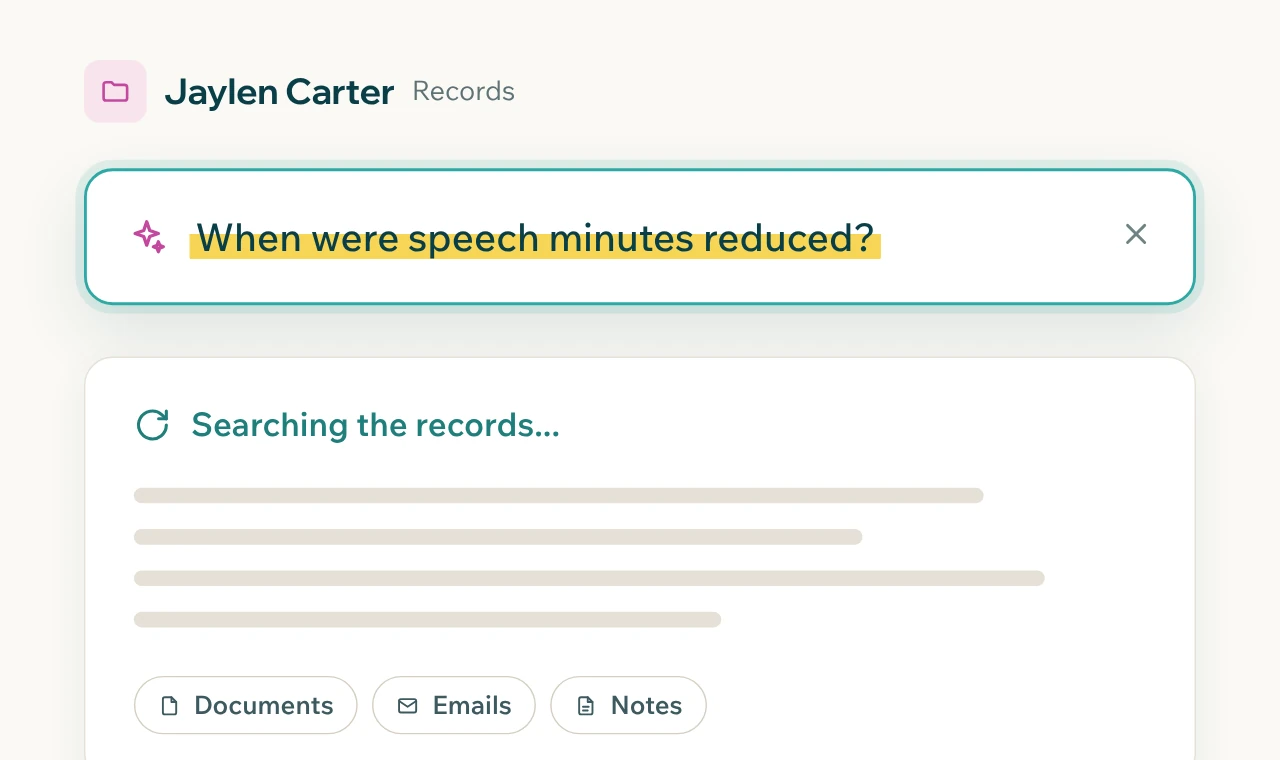
Find anything.
Smart Document Search looks across every document in the case, so the sentence you remember is a search away.
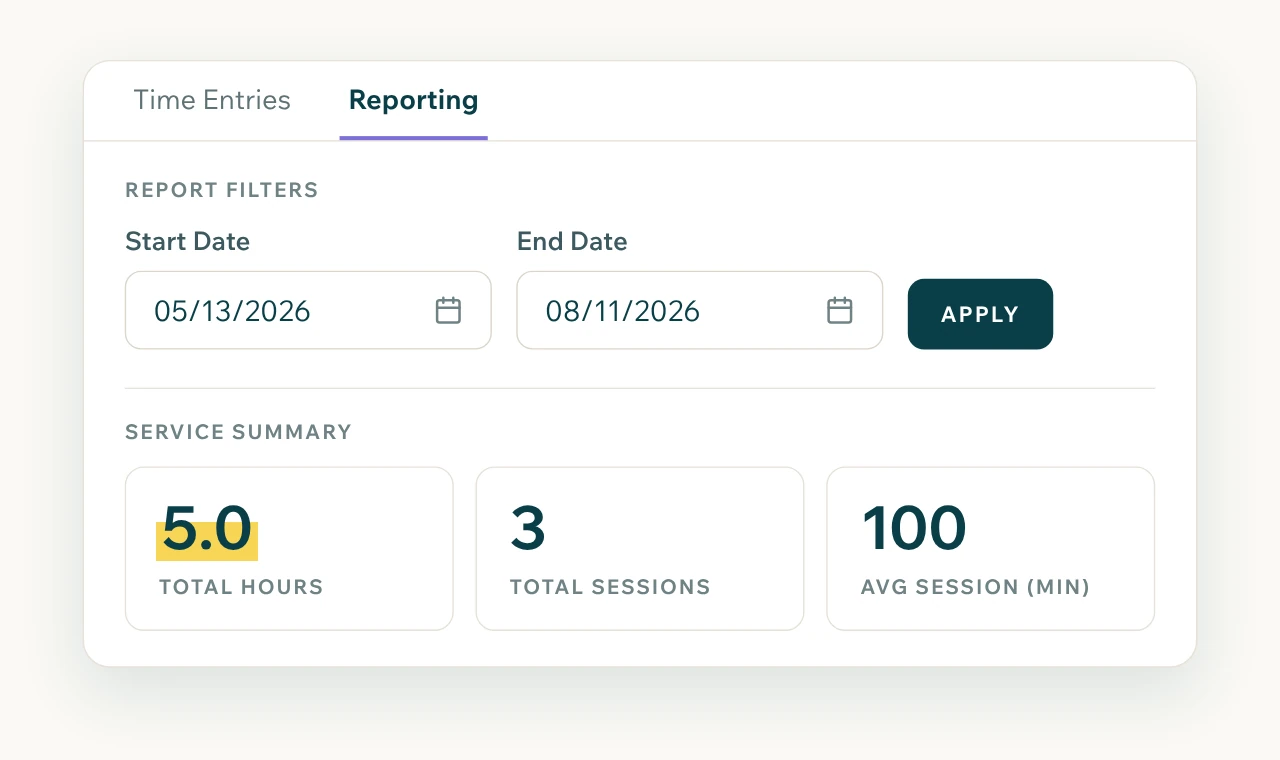
Track the work.
Log calls, meetings, and emails as case notes, and track time per family as you go. Run reports when you need them.
A caseload is a lot to remember
Fifteen families means fifteen sets of documents, deadlines, and conversations. The details that decide a case, like the date a request went out or the page where a service was promised, are easy to lose in a folder. Highlighter keeps the full history of every case in order, so you can answer a parent's question in a minute instead of an evening.
A timeline of events, deadlines, and parent observations
Case notes that families can't see
Smart Document Search across every file
Time tracking and service reports
Team seats so colleagues can work the same case
"It allows me to quickly find key information and turn dense material into something actionable. This has saved me time and reduced errors."
Frequently asked questions
How many students can I manage?
As many as you serve. Highlighter Pro has no cap on students or families.
Can my colleagues work on the same cases?
Yes. Add team seats to your account and share cases across your practice.
Can I bring in cases I'm already working?
Yes. Upload existing documents or forward past emails into each student's case, and the timeline builds from them.
Bring your cases into one place
Start with one student or move your whole caseload.
30 days free. Card required to start. Cancel before the trial ends and you won't be charged.