
Document Analysis
Read the IEP in minutes, then check every finding against the page
Upload an IEP, evaluation, or behavior intervention plan. Highlighter returns a structured, plain-language summary with goals, services, accommodations, key dates, and potential issues pulled out.
30 days free. Card required to start. Cancel before the trial ends and you won't be charged.
How it works
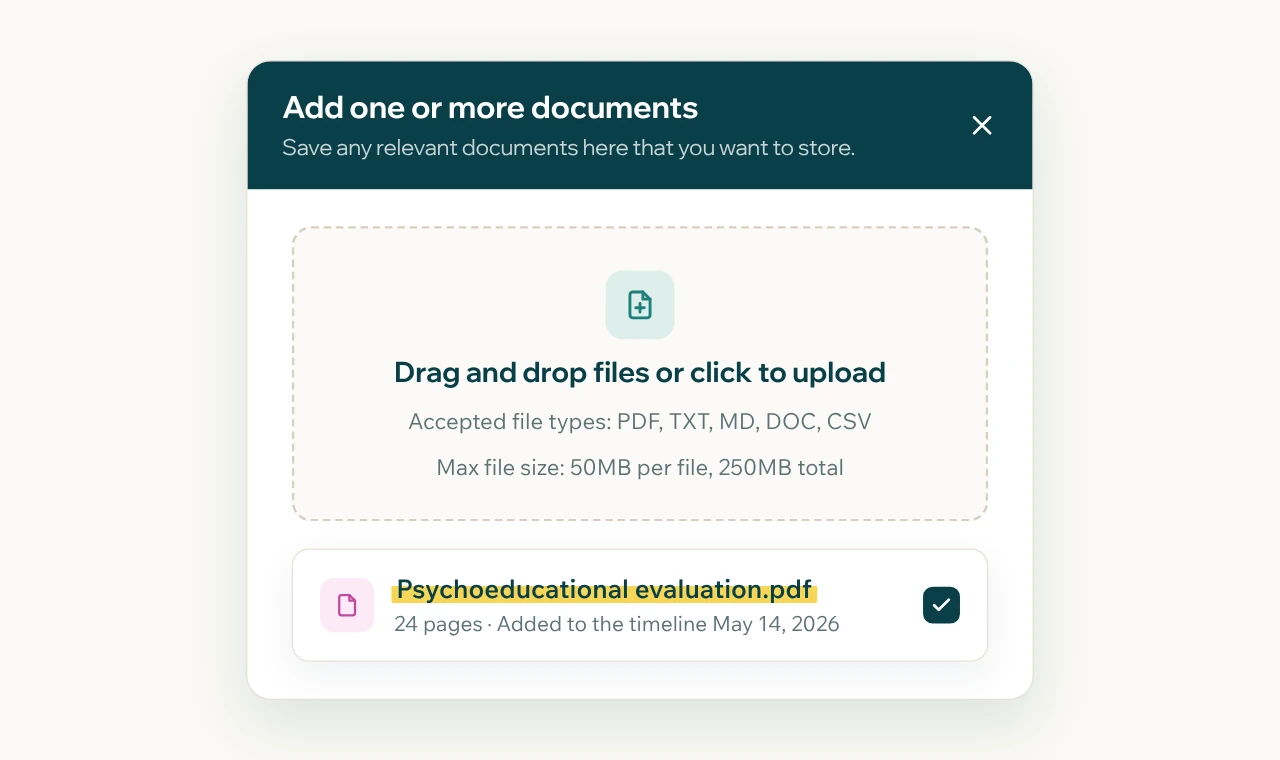
Add the document.
Upload it to the student's case, or forward the email it came in. It lands on the timeline with the date it arrived.
Get the summary.
Highlighter organizes the document into the parts you review anyway: present levels, goals, services, accommodations, and key dates.
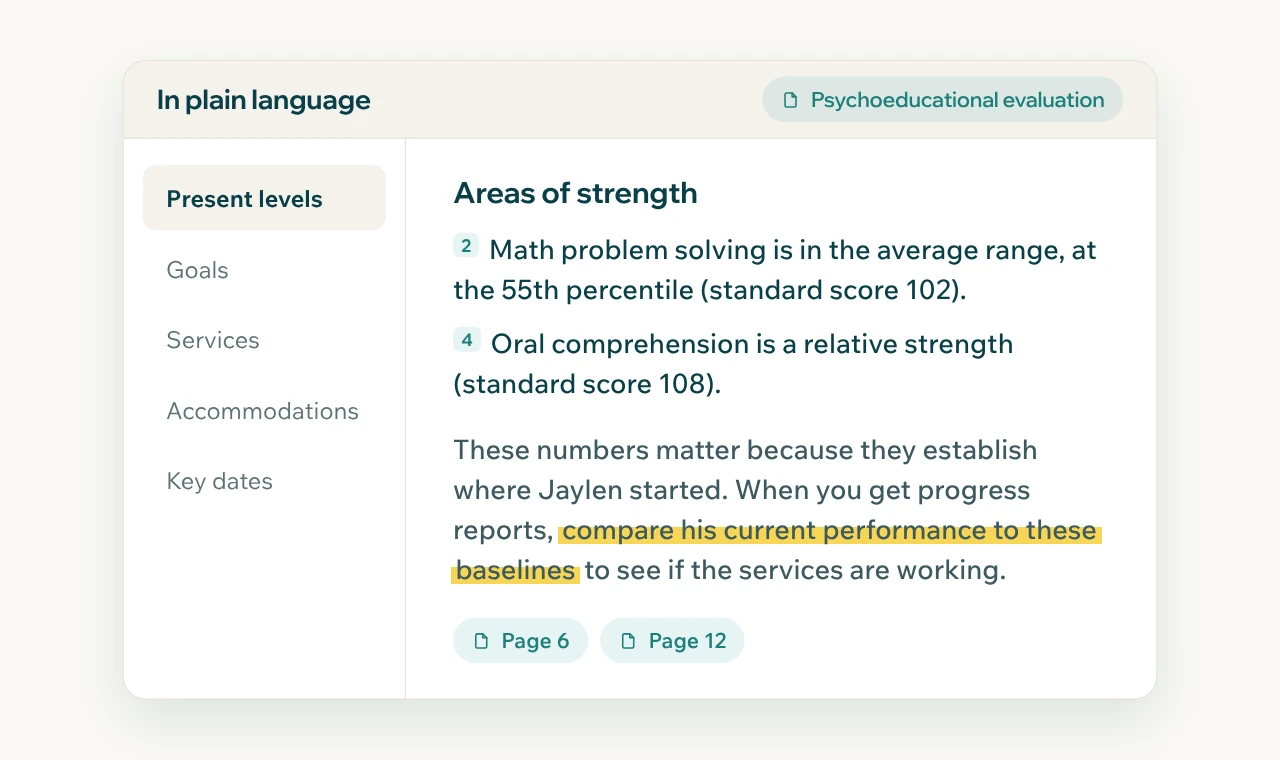
Understand it, then check it.
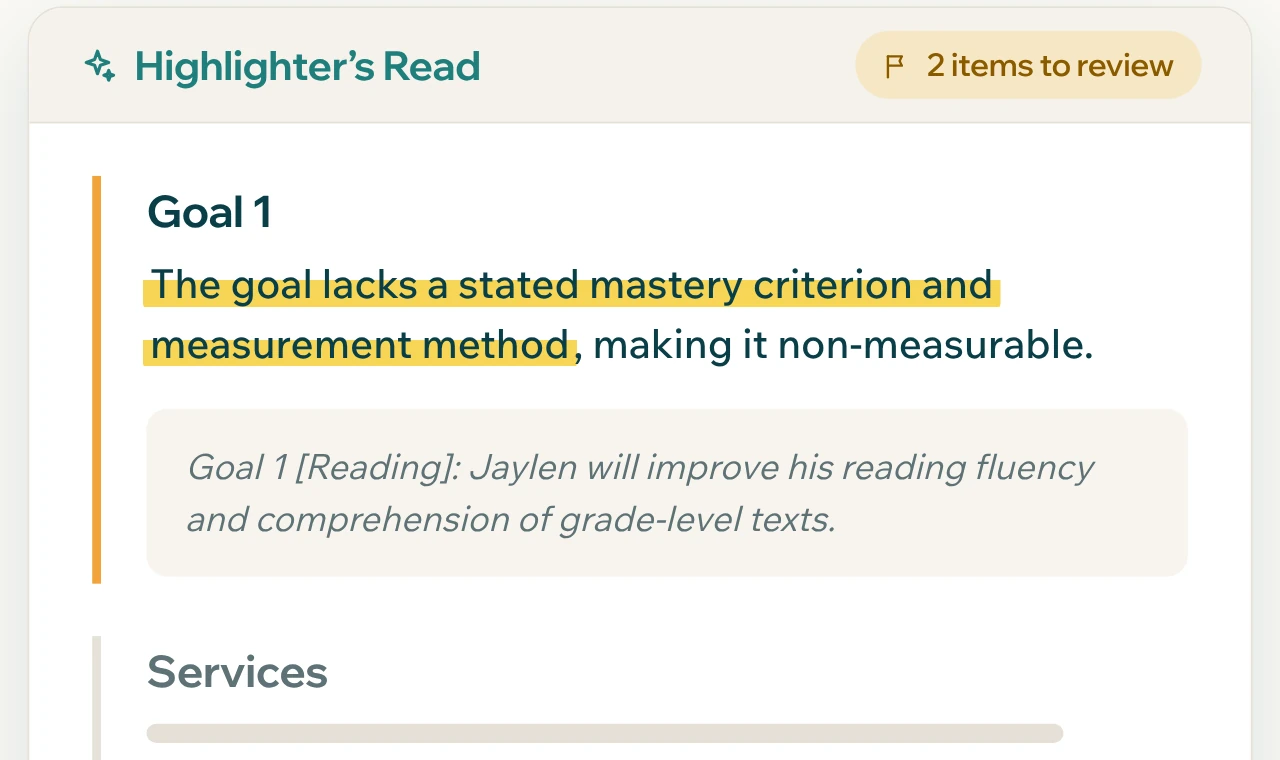
Highlighter explains what the document means in plain language and points out what deserves a closer look, such as goals without a clear measure or services that don't match what the evaluation recommended. You make the call.
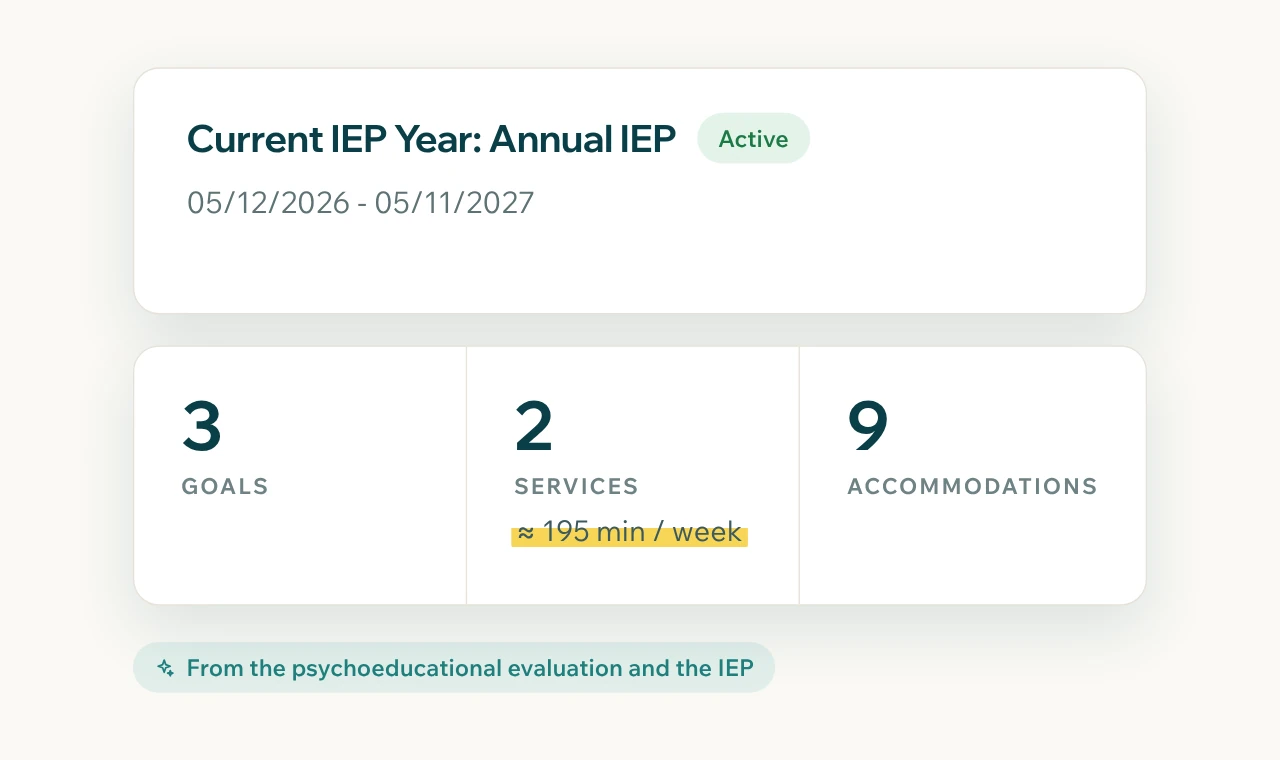
Use it everywhere.
The summary feeds IEP at a Glance, your meeting packet, and the emails you draft next.
The document is the case
Most disagreements in special education come down to what a document says, or doesn't. A missed accommodation or a vague goal is easy to overlook on page 31. Highlighter reads every page, so your attention goes to judgment instead of searching.
Plain language, with the special education terms kept intact
Every finding tied back to the source document
Works on IEPs, 504 plans, evaluations, behavior plans, progress reports, and school letters
Saved to the case, so you never analyze the same document twice
If the school sent it, Highlighter can read it
- IEPs
- 504 plans
- Psychoeducational evaluations
- Independent educational evaluations
- Behavior intervention plans
- Functional behavior assessments
- Progress reports
- Prior written notice
- Meeting notices
- School correspondence
Frequently asked questions
Does Highlighter replace reading the document?
No. It gives you a structured first pass and points to where each finding came from, so you can verify it and spend your time on what matters.
Is document analysis legal advice?
No. Highlighter helps you understand your documents and act on them. For legal disputes, work with a special education attorney.
Who can see my documents?
Only the people you give access to. Documents are never shared with schools or districts, and our AI providers don't train on them.
Start with the document on your desk
Upload one IEP or evaluation and see what Highlighter finds.
30 days free. Card required to start. Cancel before the trial ends and you won't be charged.