
Email Drafting
Write to the school team with the student's file open
Describe what you need to say. Highlighter drafts a clear, professional email grounded in the student's IEP and history, in the tone you choose. You edit it and send it from your own email.
30 days free. Card required to start. Cancel before the trial ends and you won't be charged.
How it works
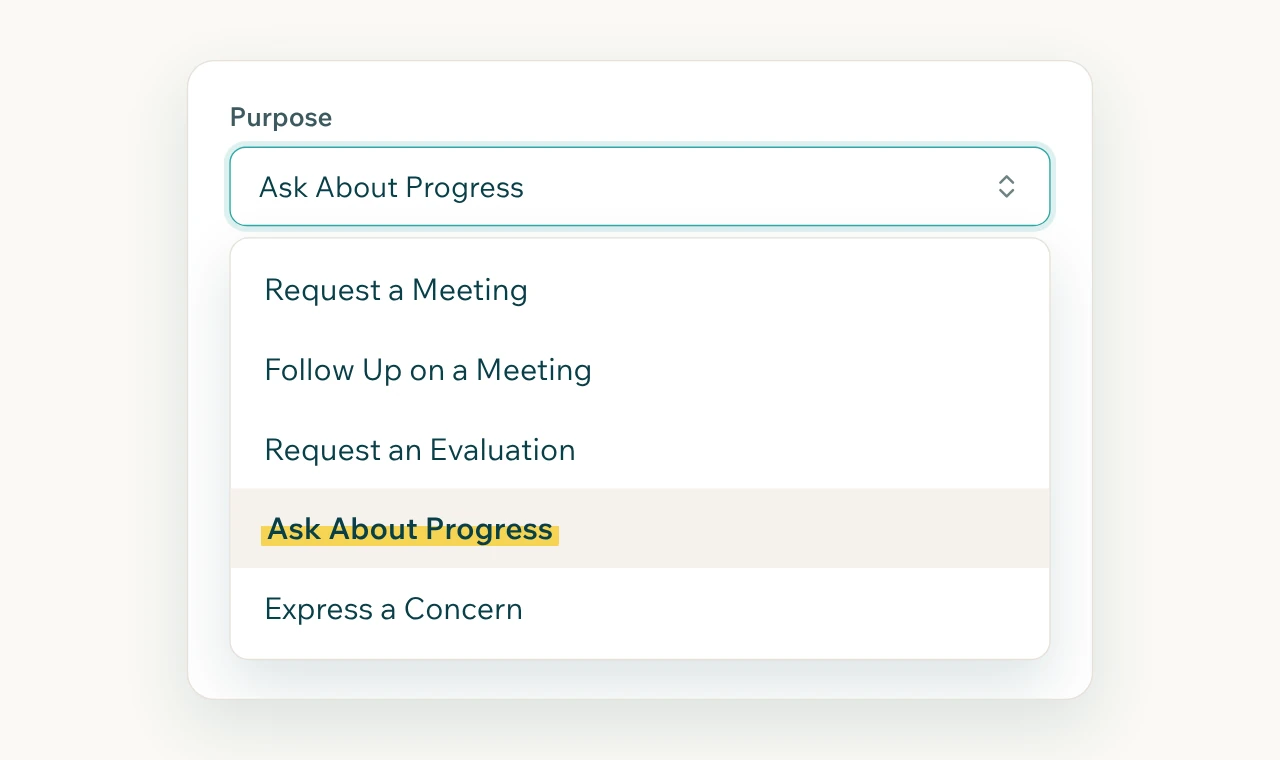
Describe the situation.
A follow-up after Tuesday's meeting, a request for records, a concern about a missed service.
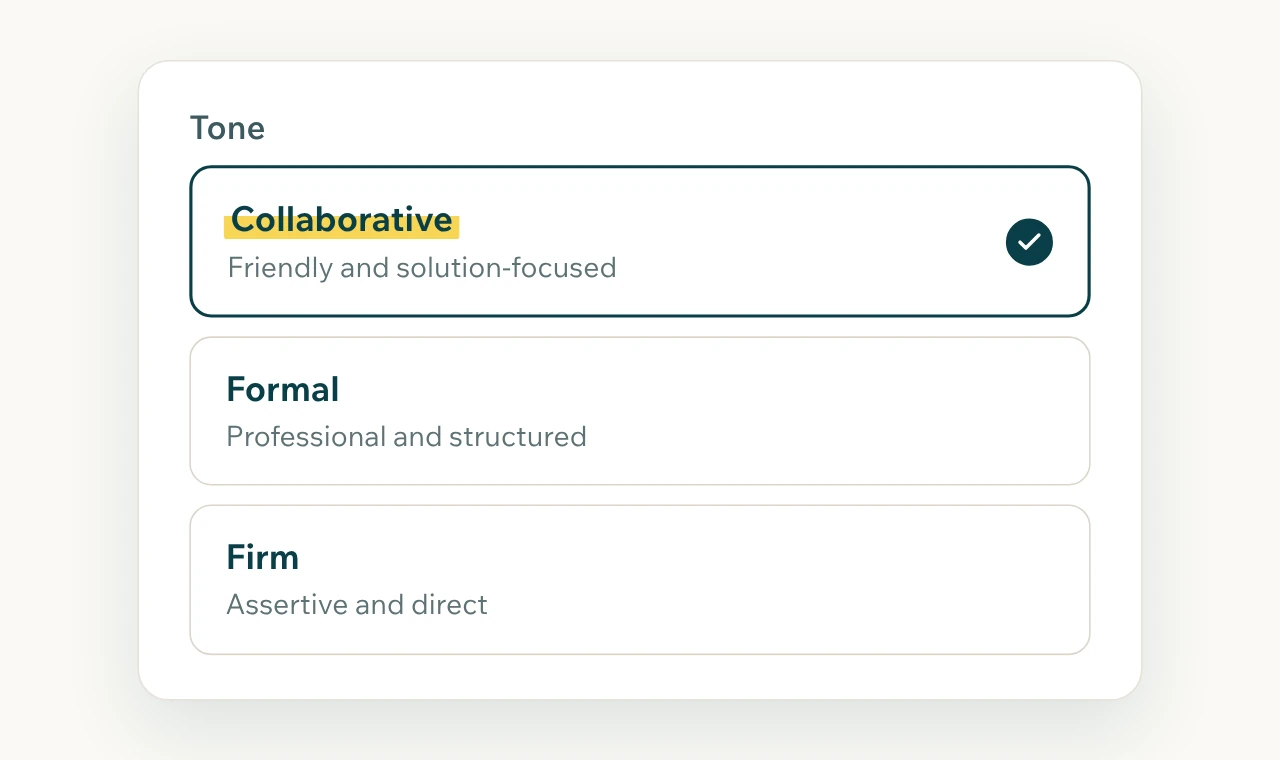
Pick the tone.
Collaborative, formal, or firm. Every option stays professional.
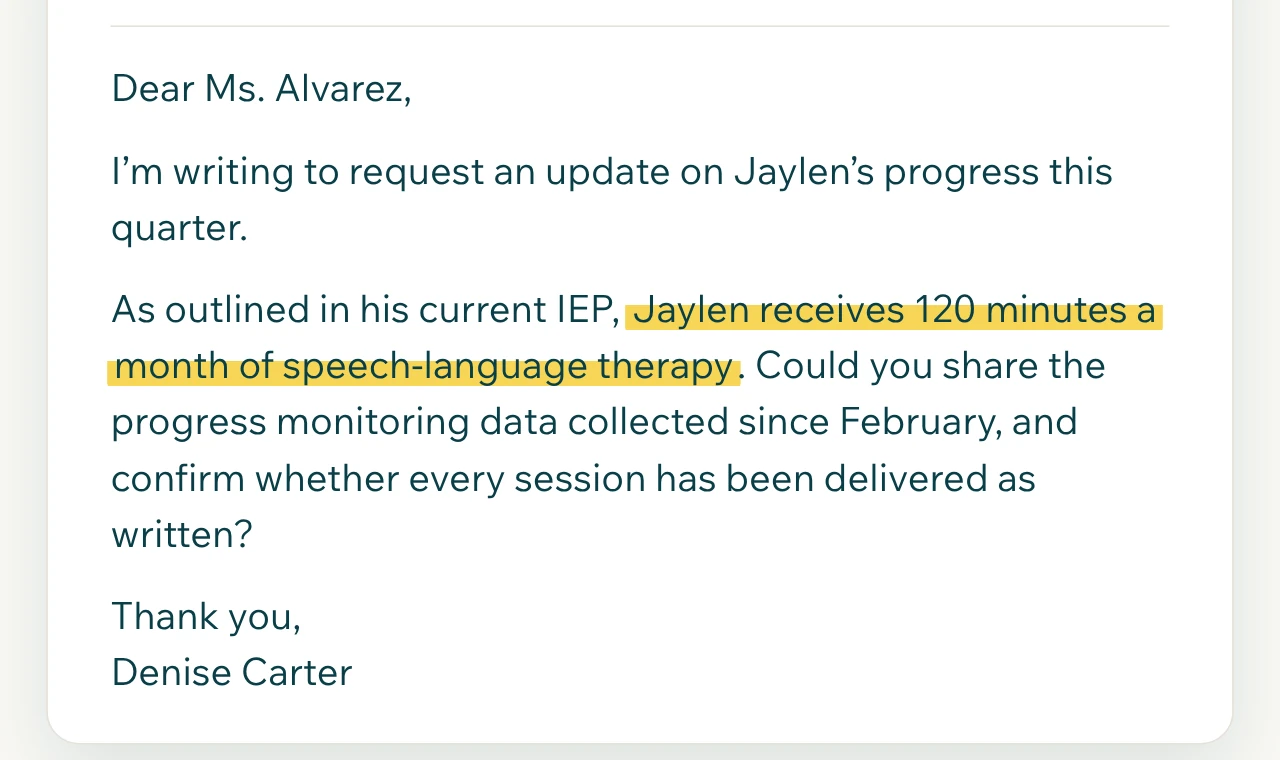
Get a draft grounded in the plan.
The draft refers to what the IEP actually says, so the request comes out specific.
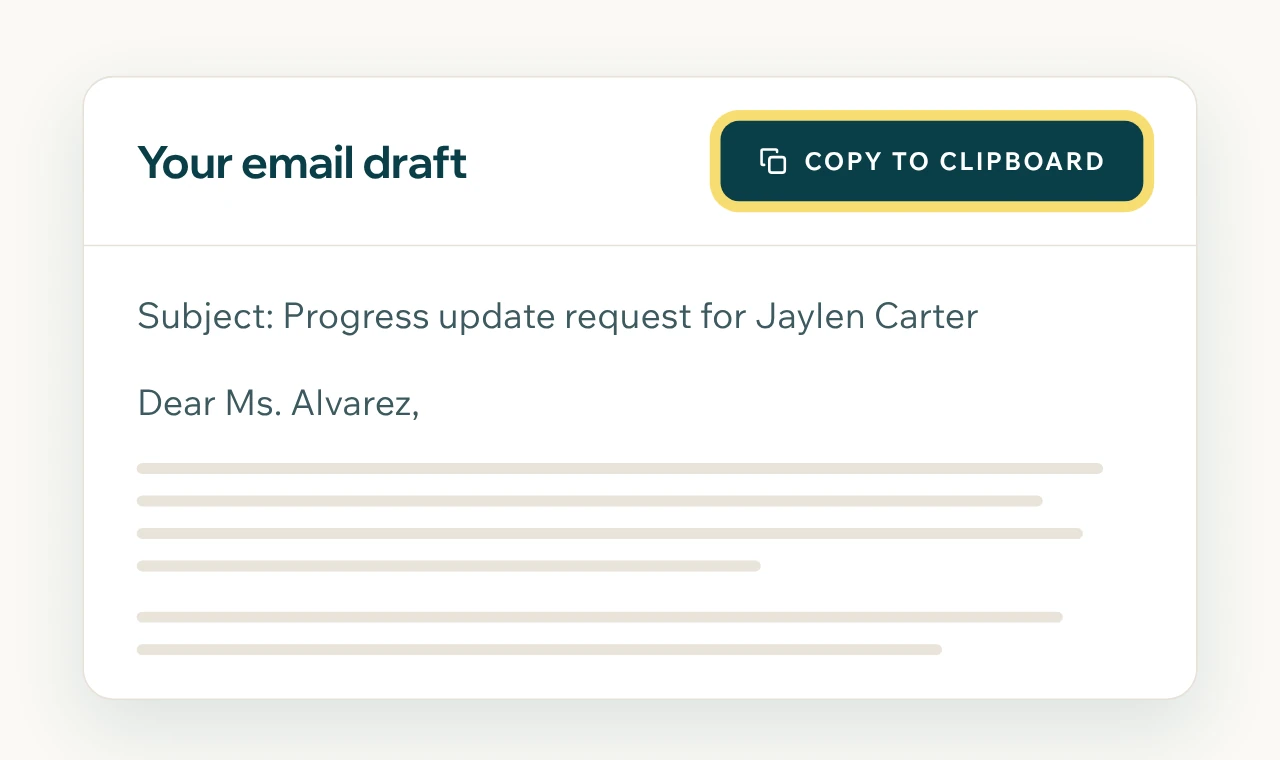
Edit and send.
Copy the draft into your own email. Nothing goes to the school from Highlighter.
Written communication is the record
An email to the school is often the clearest record of what was asked and when. A specific, calm, well-documented request gets a better response than a frustrated one, and it holds up later if the case escalates. Highlighter helps you write that email at 9 p.m. without starting from a blank page.
Grounded in the student's documents, with the right terms used precisely
Tone controls that stay professional at every setting
You edit every word before it goes out
Sent from your own address, so replies come to you
"I'm absolutely blown away by how spot-on the first email it generated was. It needed no revisions, no clarifications, nothing. It knew what I wanted to say better than I did!"
Frequently asked questions
Does Highlighter send emails for me?
No. Highlighter drafts the email. You copy it into your own email and send it, so you control what goes out and replies come straight to you.
What kinds of emails can it write?
Meeting requests, follow-ups after a meeting, requests for records or an evaluation, questions about services, and responses to the school. Describe the situation and it drafts from the student's file.
Will it sound like AI wrote it?
The draft is a starting point in plain, professional language. You edit every word before it goes out, so what the school reads is yours.
Stop drafting in your head at midnight
Write the next school email with the student's file open and the words already started.
30 days free. Card required to start. Cancel before the trial ends and you won't be charged.