
Highlighter features
The work of advocacy, organized
Five tools that carry a case from the first document upload to the follow-up email. Each one handles a specific piece of special education work, and all of them share one student record.
30 days free. Card required to start. Cancel before the trial ends and you won't be charged.
How a case moves through Highlighter
-
Document Analysis
A case starts with paper. Upload an IEP, evaluation, or behavior intervention plan and get a structured summary in plain language, with key dates, goals, services, and potential issues flagged.
Explore Document Analysis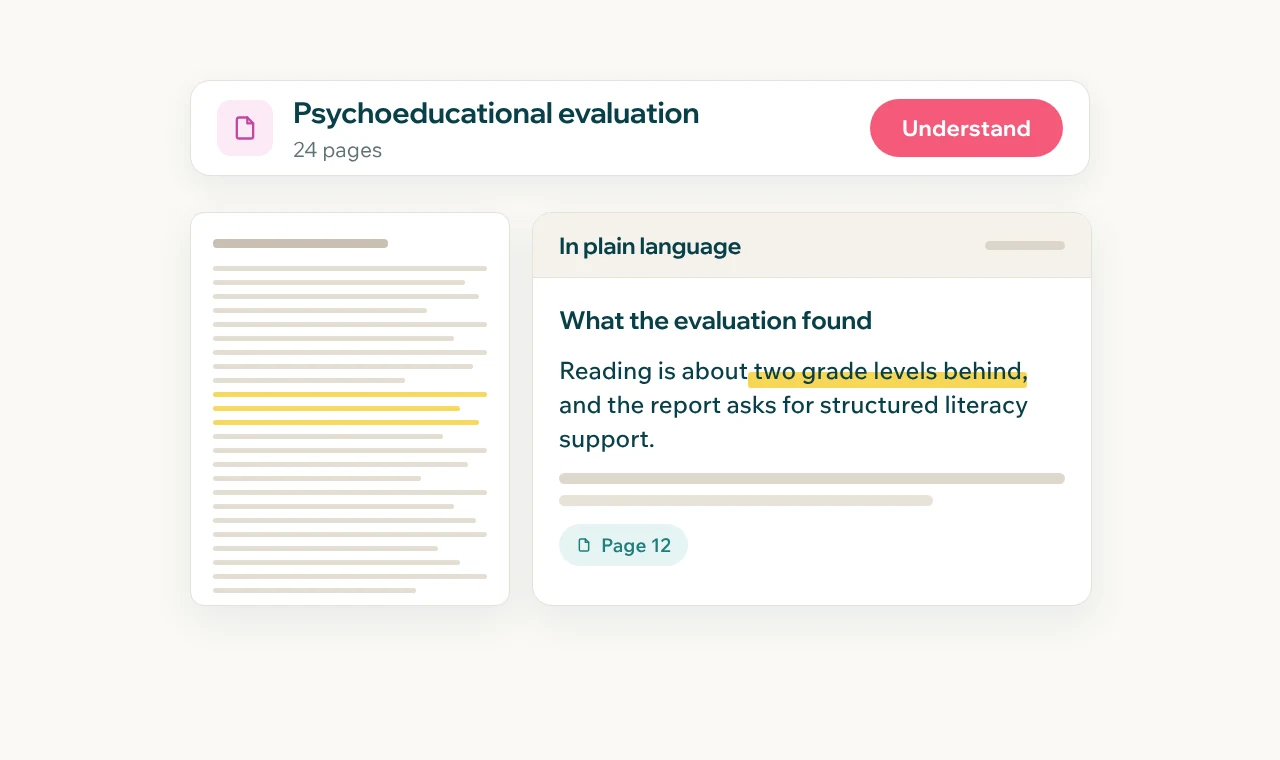
-
Meeting Preparation
The documents become a plan. Walk into every meeting with a packet built for the student: issues to raise, questions to ask, and talking points that cite their source.
Explore Meeting Preparation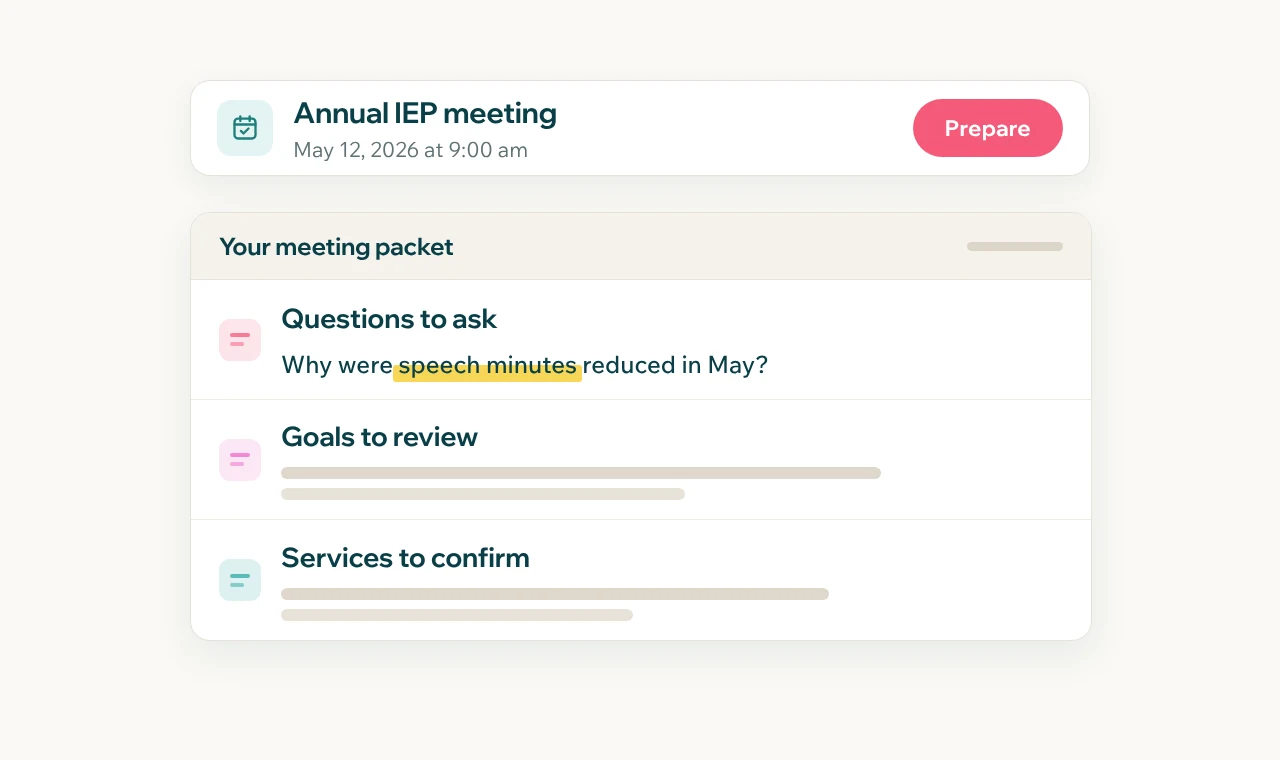
-
Email Drafting
The plan becomes the record. Write clear, professional emails to the school team, in the right tone, grounded in the student's IEP.
Explore Email Drafting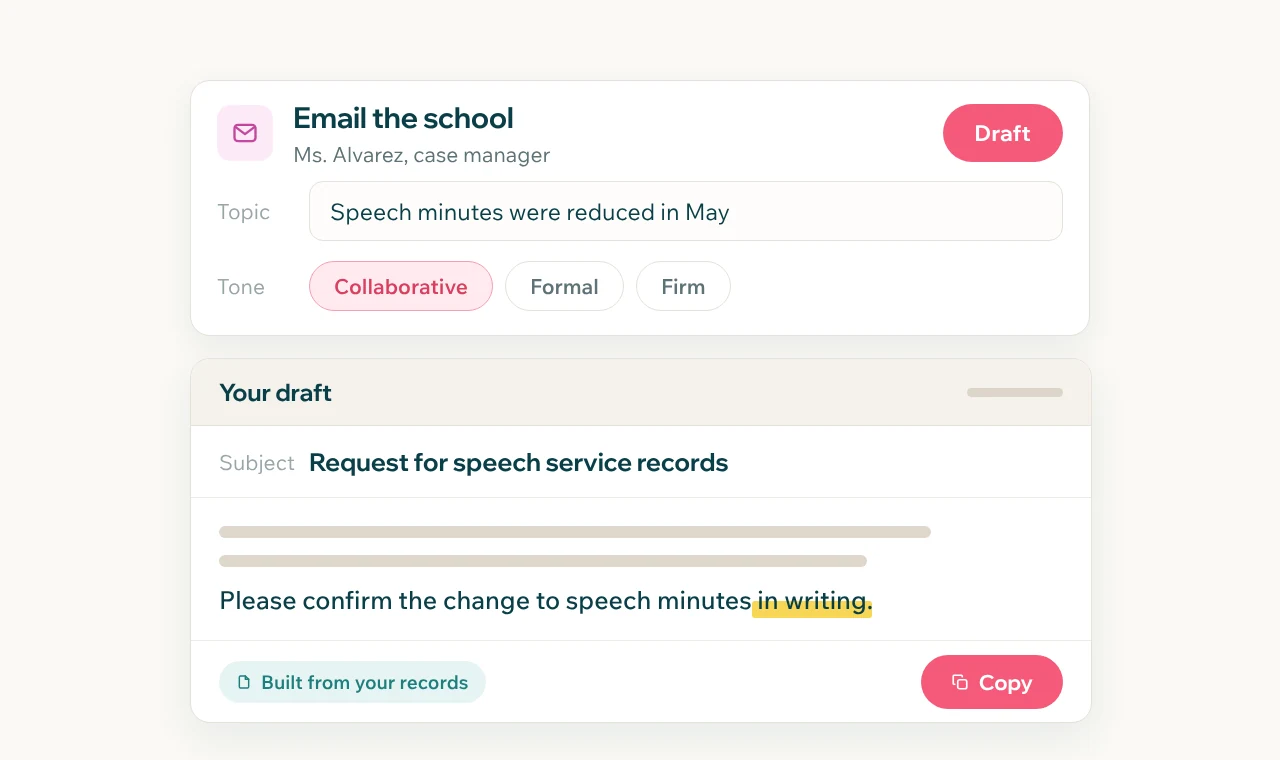
-
Case Management
The record stays whole. Every student's documents, timeline, notes, and hours live in one place, and Smart Document Search finds anything in the file.
Explore Case Management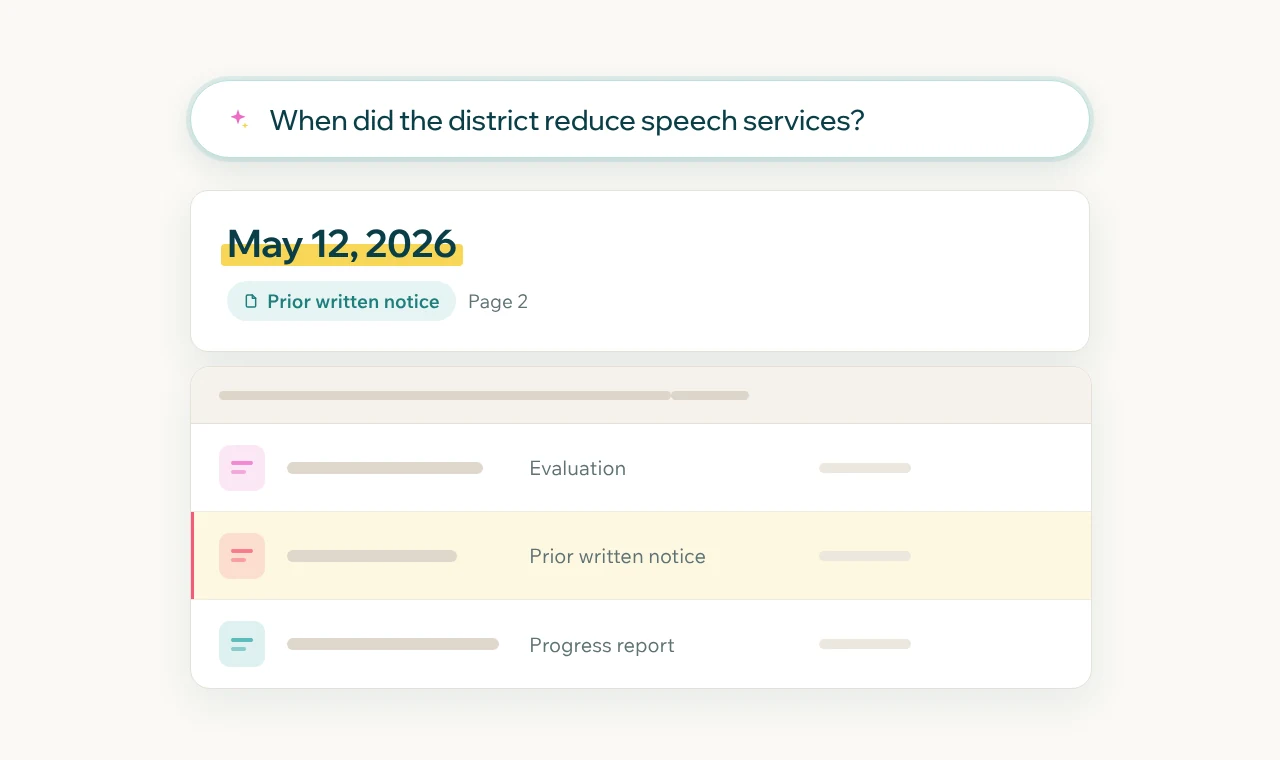
-
Family Sharing
The family stays in the loop. Invite parents into their child's case at no cost, and keep your notes and hours private.
Explore Family Sharing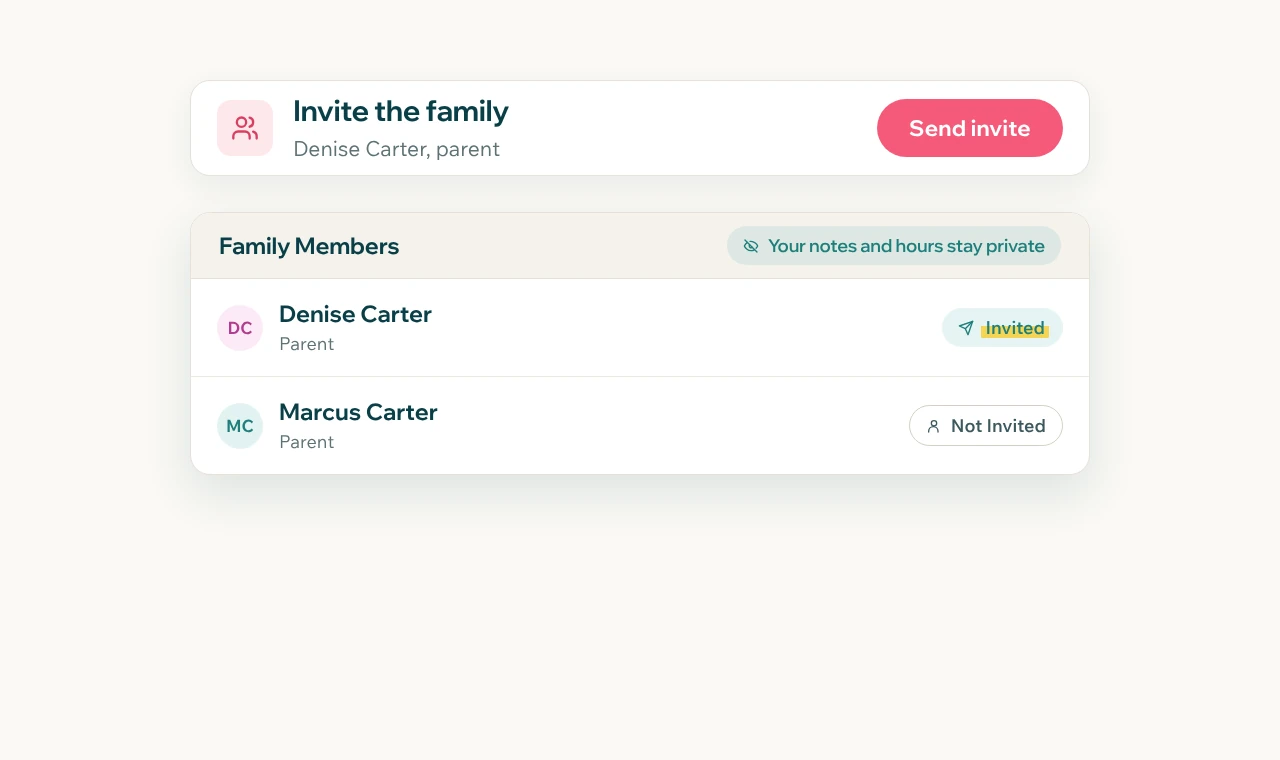
Underneath, one case file
Each tool feeds the next. The document you analyze becomes the data in your meeting packet. The meeting becomes the follow-up email, drafted from the same record. Upload once, and every feature works from the same file.
- Upload
- Understand
- Prepare
- Communicate
Built into every account
Chat.
Ask about a case, brainstorm next steps, or hand it a task, like analyzing two documents at once or drafting a parent statement.
IEP at a Glance.
Goals, services, accommodations, and key dates from the current IEP, on one screen.
Email forwarding.
Forward anything to the student's Highlighter address and it's filed on the timeline.
Team seats.
Add colleagues and work cases together.
"As an advocate for families, using Highlighter has made the process easier for me to support families in the journey of an IEP or other special education resources. I would personally encourage families and advocates to utilize this growing resource for years to come."
Built for everyone who advocates
Parents advocating for their own child. Professional advocates carrying a caseload. Organizations supporting families at scale. Same tools, set up for your role.
See every feature on your own case
30 days free. Card required to start. Cancel before the trial ends and you won't be charged.